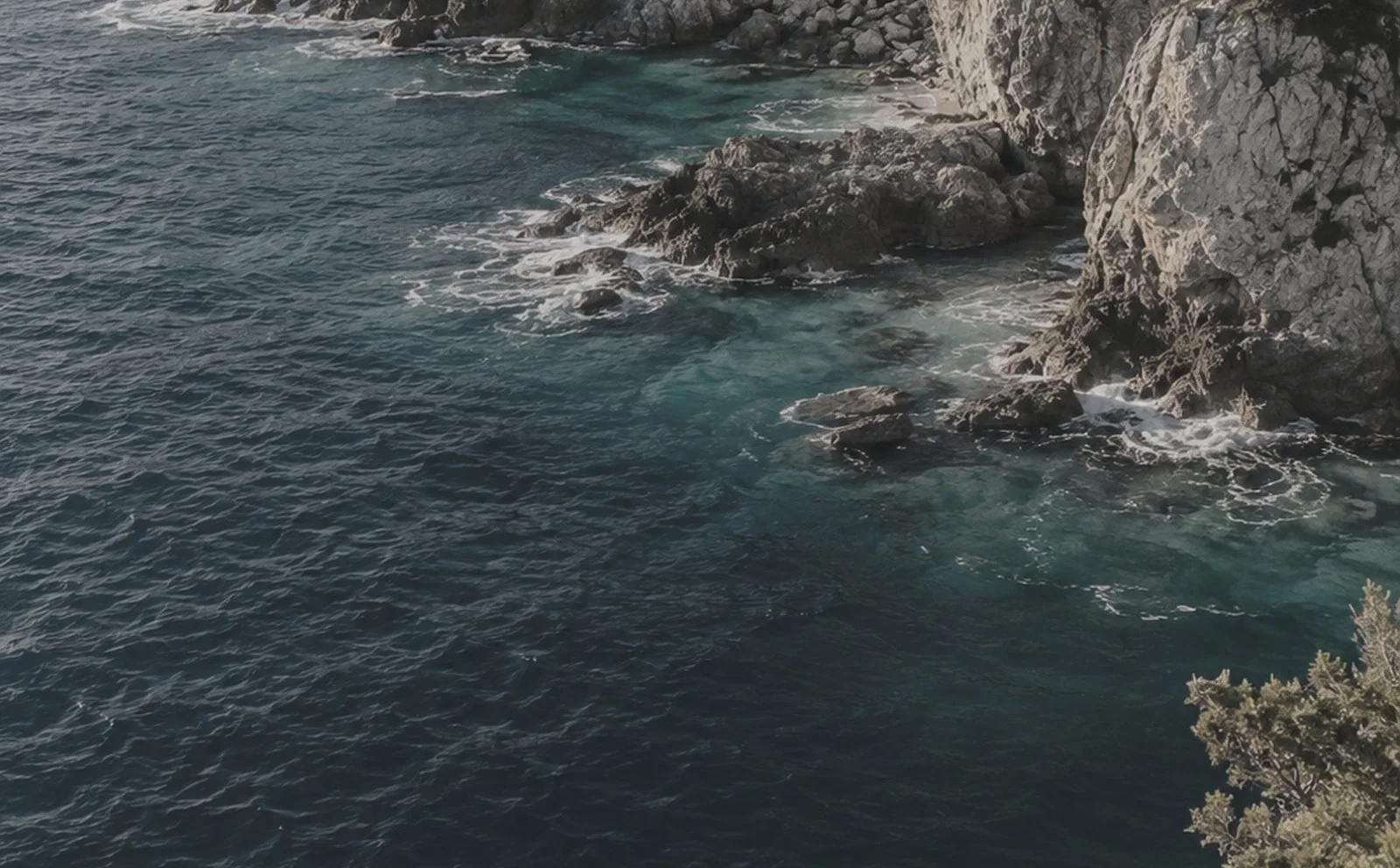
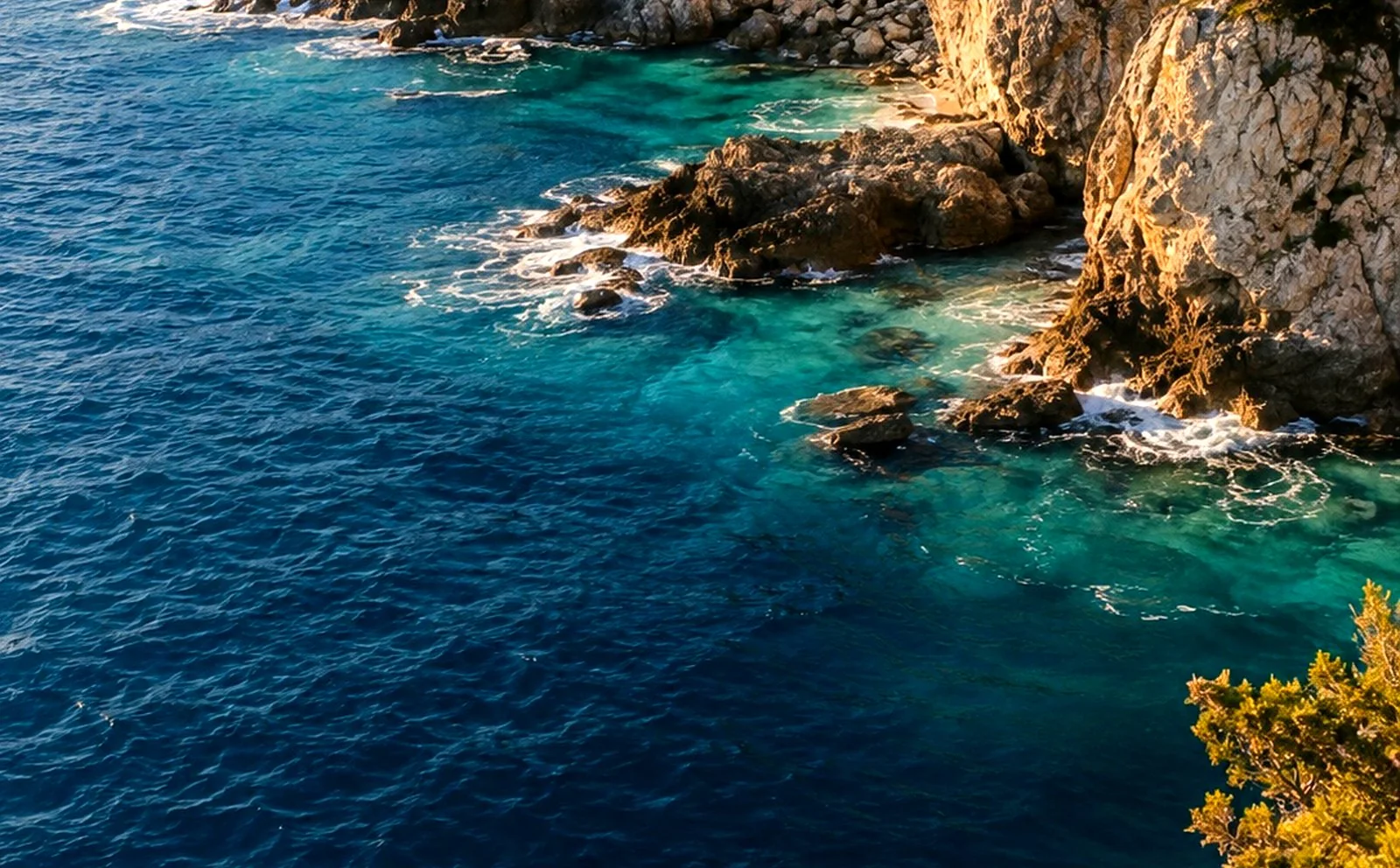
Ungraded: The same coastline, ungraded: flat, grey and cool. Graded: The same coastline after the grade: warm, contrasted and saturated. Move the lens with the pointer, a finger, or the arrow keys.
Before and after,
under glass.
Not a circle cut out of the second picture. The lens zooms the second image around the exact point under the cursor, squeezes more of it into a ring at the rim the way a thick edge does, bends it with a turbulence displacement, and lights its own top-left corner. It follows a mouse with a lag you set, drags under a finger, and moves with the arrow keys for anyone who is not using either.
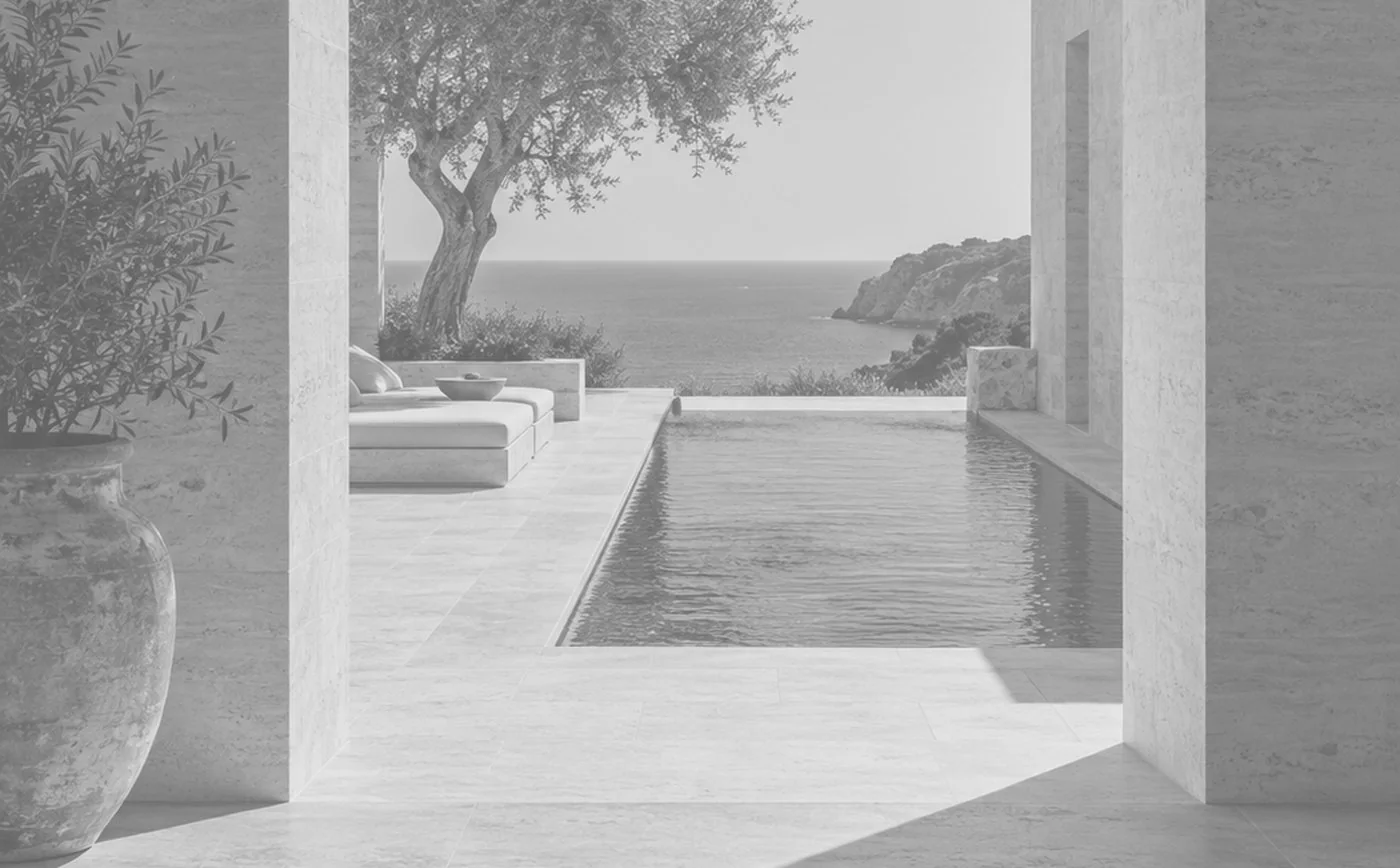
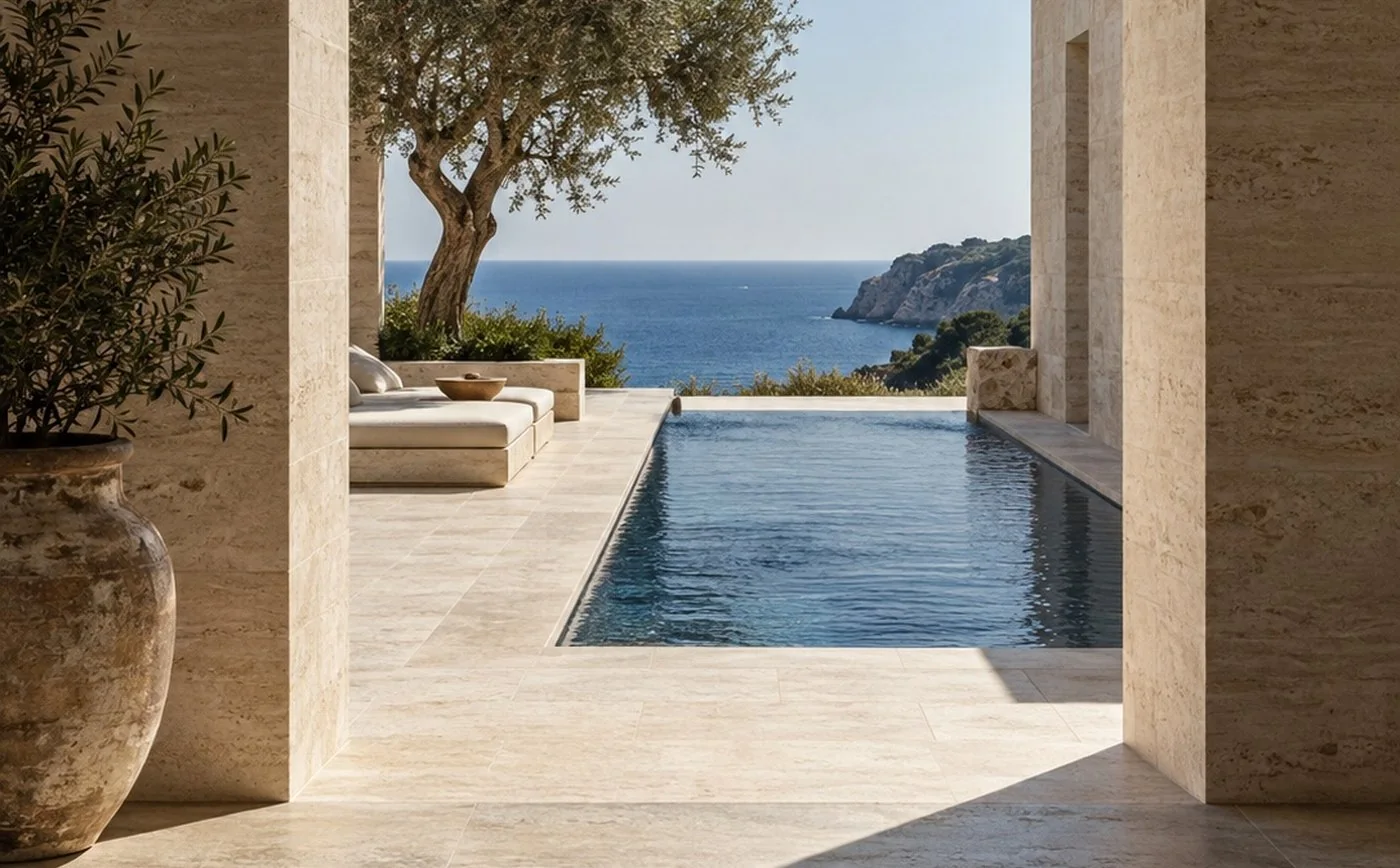
Massing: The building as a grey massing study. Built: The building as photographed. Move the lens with the pointer, a finger, or the arrow keys.
Show the work,
not the slider.
A before and after read through a piece of optical glass. Real zoom around the point under the lens, a compressed rim, a turbulence refraction, a glass tint, an inner highlight and a soft shadow — in four shapes, at any size. Images or video for either side, a resting position you choose, a cursor lag you set, finger dragging on touch and arrow keys on a keyboard.
Download the componentOne Code File. React and Framer only.
Reduced motion and static preview included.